
the brief
Leads arrive from Facebook ads through a landing page. Each one needs to be recorded once, registered for the right webinar session, reminded by email and SMS, and followed up by sales, without the team copying details between Zoom, Airtable, spreadsheets and inboxes.
what i did
I built the automations in n8n, which coordinates every step, with Airtable as the central record for leads, webinar sessions and registrations. The workflows use webhooks, the Zoom API, duplicate checks, conditional logic, scheduled messaging, linked records and a daily sync to Google Sheets for reporting.
where it is now
In use today. Leads, registrations, reminders, attendance, recording requests and booked calls are recorded in one place, and the sales team receives a prioritised call list every weekday.
how it works
Capture
- 01
Capture leads from the landing page
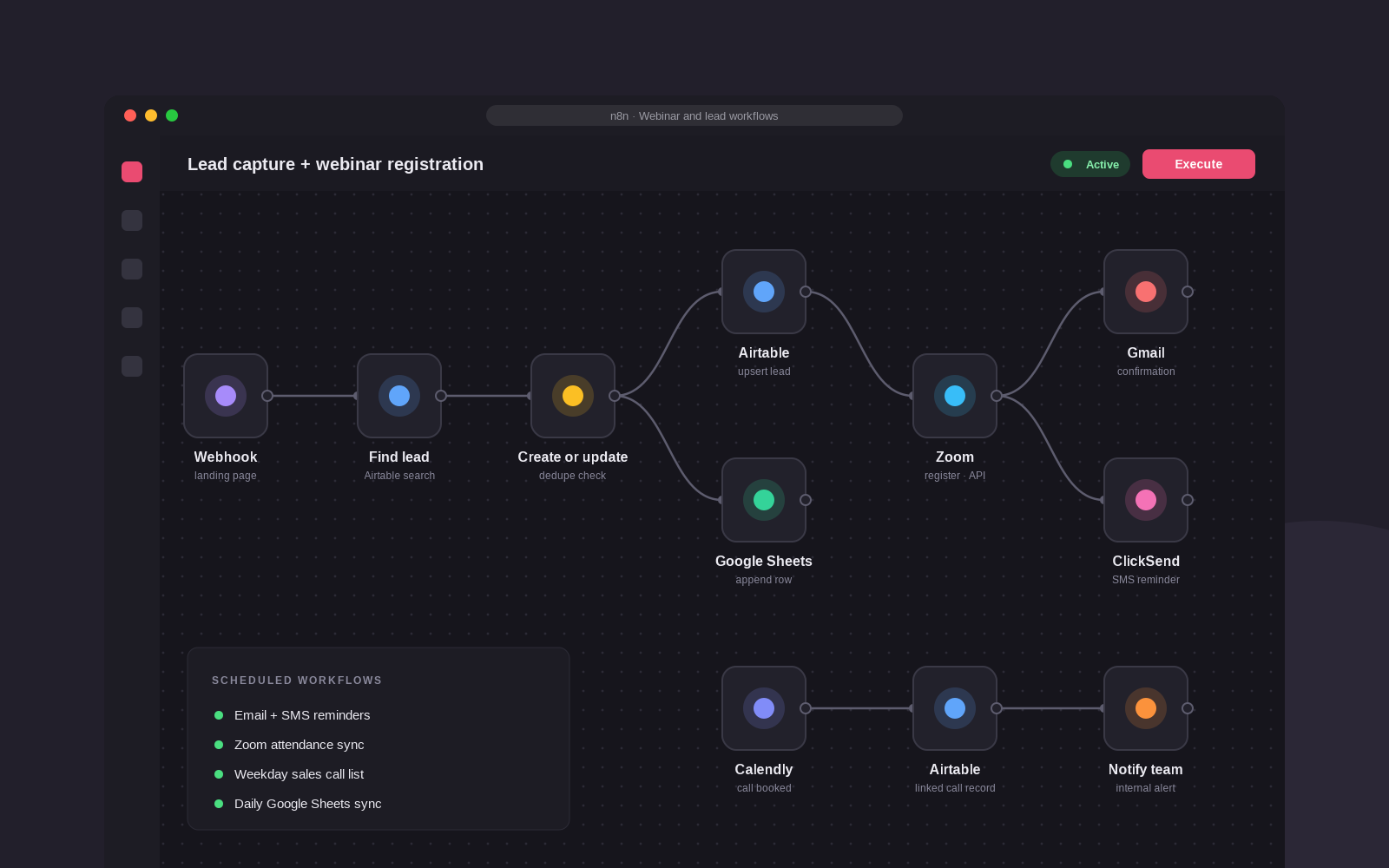
Facebook ads send visitors to the landing page. When someone submits their details, the page sends them to n8n through a webhook, including contact details, questionnaire answers, lead score, priority and campaign information.
- 02
Create or update the lead record
n8n checks for an existing lead, then updates Airtable and Google Sheets. Duplicate checks keep one record per person, and earlier questionnaire answers and campaign details are kept when a later submission has fewer details.
Register
- 03
Register interested leads for a webinar
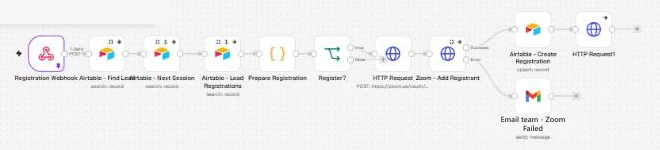
When a lead chooses to register, n8n checks their record, the available sessions and any existing registrations, registers eligible leads through the Zoom API, and saves the session, personal join link, source and status in Airtable.
- 04
Staff-assisted registration
The team can also register a lead from Airtable by picking an upcoming session and confirming. n8n creates the Zoom registration and records it against the lead, including whether it is a re-enrolment after a missed session.
Communicate
- 05
Confirmations and reminders
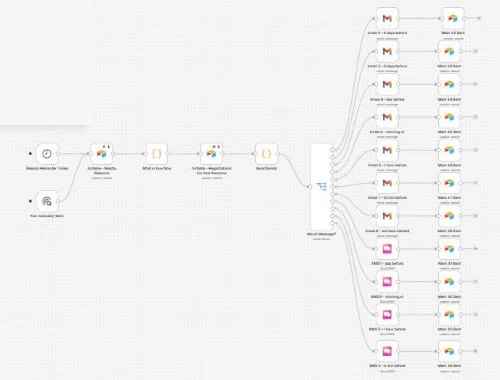
Gmail and ClickSend send registration messages and scheduled email and SMS reminders with the right session details and join link. Airtable logs what has been sent to prevent repeats, and cancelled registrations and “Do Not Contact” leads are left out.
- 06
Add to calendar
A separate workflow builds a calendar file from the session details so registrants can add the webinar to their calendar in one tap.
- 07
Replies and cancellations
An AI-assisted workflow sorts incoming email and SMS replies: confirmations, can’t-attends, opt-outs and unclear replies. It updates Airtable and alerts the team; opt-outs become “Do Not Contact”, Zoom cancellations update the registration, and unclear replies go to a person to review.
Track
- 08
Webinar attendance
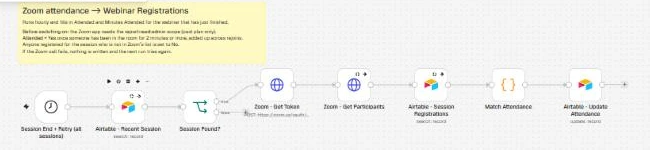
After each session, n8n pulls Zoom participant data and records attendance and minutes attended in Airtable. Attendance counts from two minutes, and repeat joins are combined without double-counting overlapping time.
- 09
Recording access
n8n reads Zoom’s recording-ready emails and saves the recording link and passcode against the session. An on-demand workflow logs each lead’s recording request and sends them to the recording.
- 10
Video engagement and booked calls
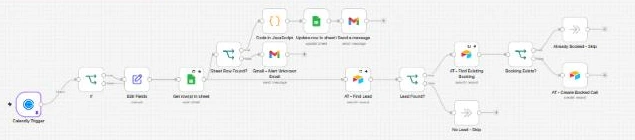
Landing-page video events update watch percentage, viewing time and completion in Airtable. When someone books through Calendly, n8n updates Google Sheets, creates a linked booked-call record and notifies the team.
Report
- 11
Sales support and reporting
Every weekday the sales team gets an emailed call list built from Airtable, with incomplete forms first. A daily sync brings leads, registrations, attendance, bookings and sales activity into Google Sheets for reporting.